
Advanced vs Premium Controllers

Controller Hardware

The Microlab 700 controller is designed to ensure a streamlined workflow so that labs can increase accuracy and throughput while at the same time reducing labor and reagent costs. The Advanced and Premium Controller functions share the same hardware, so the Advanced Controller can be upgraded to the Premium functionality at any time with a premium activation key. (P/N 10101502)

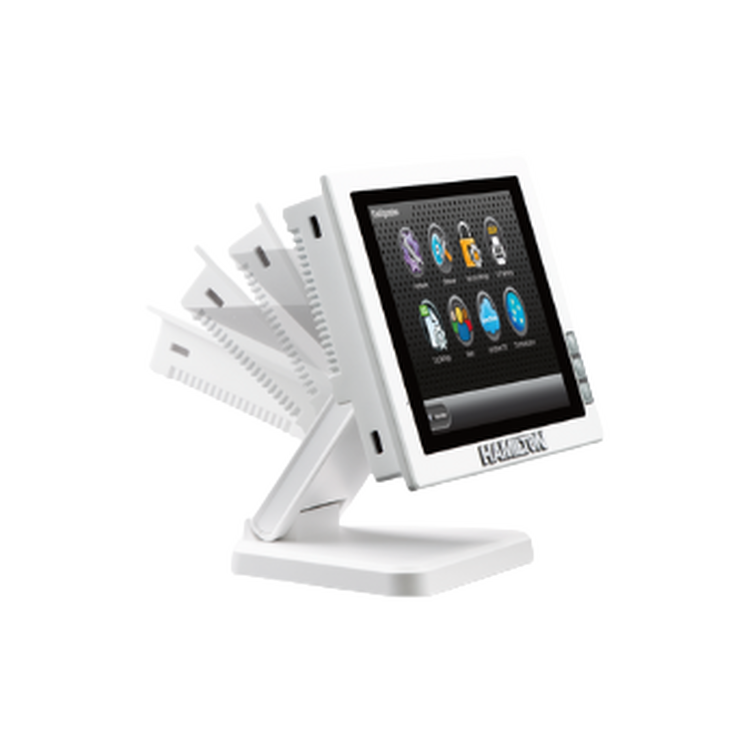
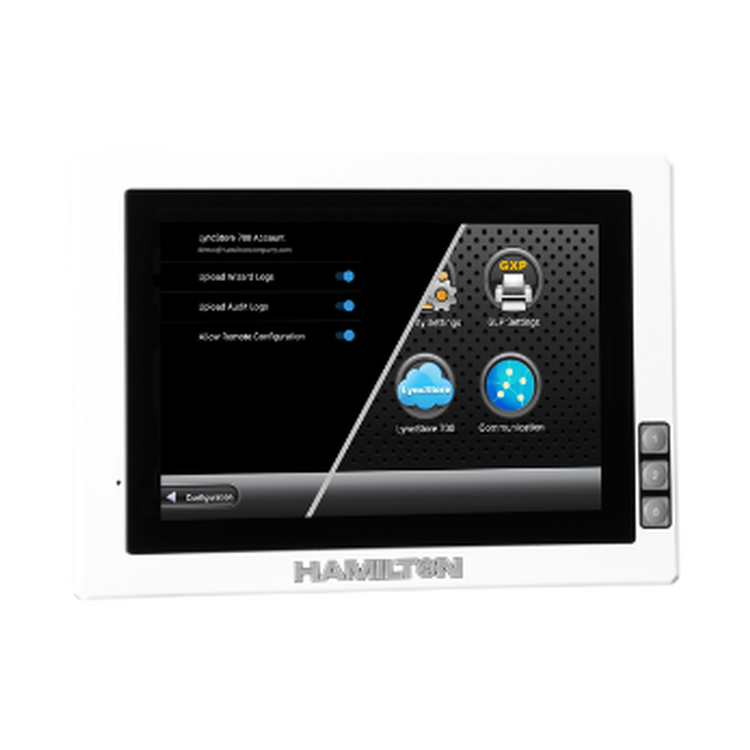
The controller features a large, easy-to-use touchscreen with a processor more than 20 times faster than the original controller. A dedicated host USB port enables connection to a keyboard, mouse, and other hardware accessories.

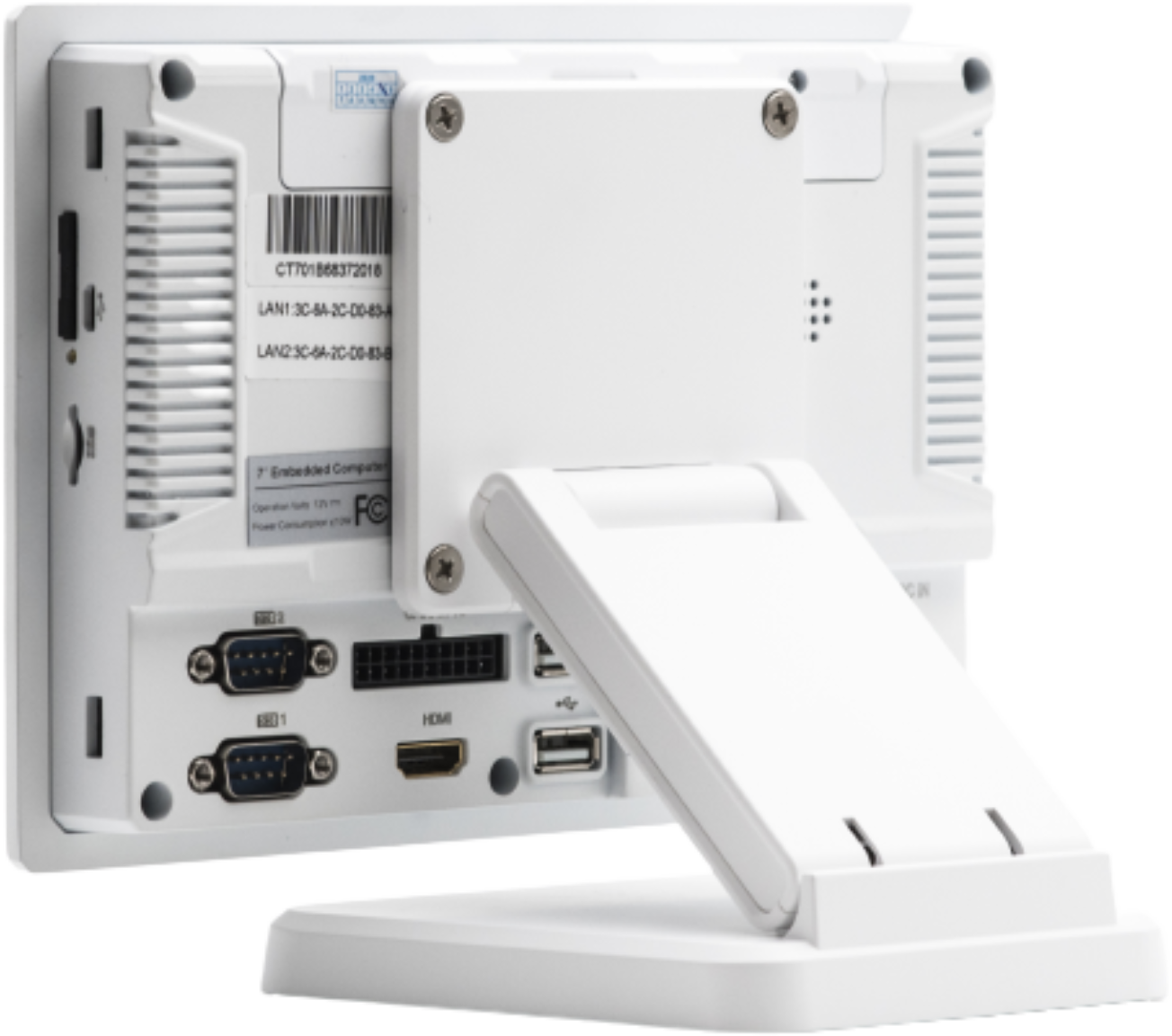
  1. SIM card slot
  2. USB Device
  3. Micro SD Card Slot
  4. RS232 x2
  5. CAN x2 / Gpio
  6. HDMI output – support up to 720p
  7. USB host x2 – support up to 64GB flash disk
  8. LAN-1
  9. LAN -2
  10. Earphone jack
  11. Power
  12. WI-FI & Bluetooth 4.0
  13.  
Katalog No Ürün
P/N 10101502 ML 700 Premium Activation Key

The Microlab 700 Advanced and Premium Controllers share the same hardware. The Basic Controller can be easily upgraded at any time to the Premium functionality with the ML 700 Premium Activation Key.

Advanced Controller Software

The Advanced Controller is ideal for completing simple diluting and dispensing tasks. Quickly set the desired volume in the Quick Start Run Screen and begin.

Simple Diluting: Diluent is drawn in from the reservoir by the left syringe and sample is drawn into the hand probe by the right syringe. Both syringes dispense through the hand probe to complete the dilution. The diluent washes the sample from the tubing so the system is ready for the next sample.

Simple Dispensing: Solvent is drawn in from the reservoir and then dispensed out through the hand probe. Each fill is accompanied by a dispense. With the Basic controller it is not possible to perform multiple dispenses from a single fill of the syringe.

SON YAZILIM GÜNCELLEMESİNİ İNDİRİN

Premium Controller Software

The Premium controller contains a significant number of additional features and allows users to create methods using air gaps, washing, repetitive dispensing, and more.

Many applications require more than the simple fill and dispense functionality provided by the Advanced Controller. Unlock the full potential of the Microlab 700 by upgrading to the Premium Controller. The Premium Controller delivers these additional functions through intuitive Wizards or the Custom Method Editor. Wizard settings can be saved as Favorites or a Custom Methods on the 2GB Hardware Key.

For users with the Advanced controller that would like to upgrade, it can be easily converted to the Premium using a simple activation key (P/N 10101502).

SON YAZILIM GÜNCELLEMESİNİ İNDİRİN

Wizards Menu
Wizards Menu

Easy-to-understand Wizards give step-by-step guidance for basic set up configuration and all applications to simplify programming. Wizards go beyond simple diluting and dispensing to include repetitive dispensing, air gaps, system washes, variable speeds and probe light control. These additional functions increase flexibility and throughput of the Microlab 600.

Favorites Menu
Favorites Menu

Frequently used Wizard settings can be saved as Favorites which can be quickly recalled from any Wizard. These Favorites streamline switching between methods and ensure that once the ideal setup is established it can be repeated without variation day in and day out.

Custom Methods
Custom Methods

Custom Methods can be created to accomplish unique liquid handling tasks. Incorporate loops, delays, external triggering, and execution counters with valve and syringe movements to create complex methods.

Compliance and Logging

The advanced controller includes a comprehensive compliance package providing a variety of security protections, simplified adherence to FDA GXP regulations, administration for user accounts, log files that conform to 21 CFR Part 11, and management of log files on a PC using the LyncStore application.

Archiving and Sharing Methods

Favorites and Custom Methods are stored on the Hardware Key. The card can be used to transfer methods between Microlab 600 Controllers or to a PC for archiving. Methods can also be transferred by email between colleagues.

Language Support
Language Support

The Microlab 600 features language support for English, Spanish, German, French, Italian, Portuguese, Korean, Japanese, Traditional Chinese, and Simplified Chinese.